What to Redact from a Bank Statement PDF
A practical checklist for hiding account numbers, routing numbers, addresses, balances, and transaction details from bank statement PDFs.
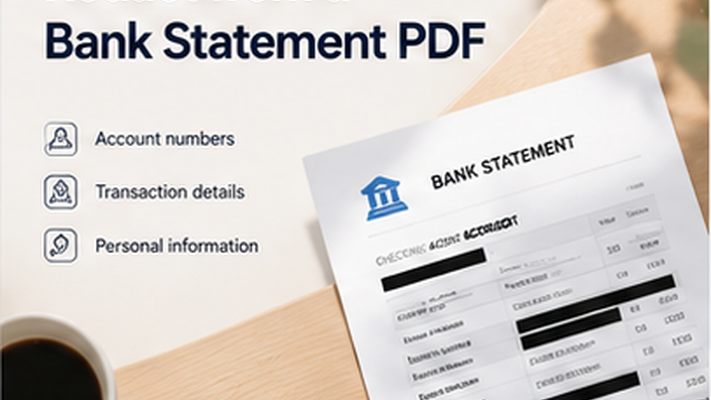
Key takeaways
- Bank statements contain multiple layers of sensitive financial information.
- Account numbers, routing numbers, and balances should be reviewed before sharing.
- Transaction descriptions can reveal spending patterns and personal details.
- Metadata cleanup is essential for bank statement PDFs.
Why Bank Statements Need Careful Redaction
Bank statements contain a wide range of personal and financial information. Account numbers identify specific bank accounts. Routing numbers identify financial institutions. Transaction descriptions can reveal personal spending habits, medical payments, charitable donations, and other private details.
Even the metadata of a bank statement PDF may reveal who created the document, what software was used, and when it was last modified.
Bank Statement Redaction Checklist
Review every page of the bank statement, including the header, transaction table, and footer. Check both visible content and hidden metadata.
- Full account holder name.
- Full or partial account number.
- Bank routing or transit number.
- IBAN or SWIFT/BIC codes.
- Account balances and available credit.
- Transaction descriptions (especially medical, legal, or personal entries).
- Merchant or payee names for sensitive purchases.
- Home address in the document header.
- Email addresses in document properties.
- Metadata: author name, software, creation date.
Redact your PDF now
Upload a PDF, mark sensitive areas, clean metadata, and download a redacted copy. Free for documents up to 10MB.
PDF Redaction Safety Checklist
Common mistakes to avoid
Redact your PDF now
Upload a PDF, mark sensitive areas, clean metadata, and download a redacted copy. Free for documents up to 10MB.
Frequently Asked Questions
Should I redact transaction descriptions from a bank statement?
Yes. Transaction descriptions can reveal personal spending patterns, medical payments, charitable donations, legal fees, and other private financial details. Review each description before sharing.
Related Guides
How to Redact a PDF Safely Before Sharing
Learn how to permanently remove sensitive information from a PDF instead of simply covering it with a black box.
How to Remove PDF Metadata Before Sharing a Redacted PDF
Learn what PDF metadata can reveal, why metadata cleanup matters, and how to remove hidden document properties before sharing or uploading a redacted PDF.