How to Redact an Invoice PDF Before Sending It
Learn what invoice fields to redact, including bank details, tax IDs, client addresses, payment notes, and metadata.
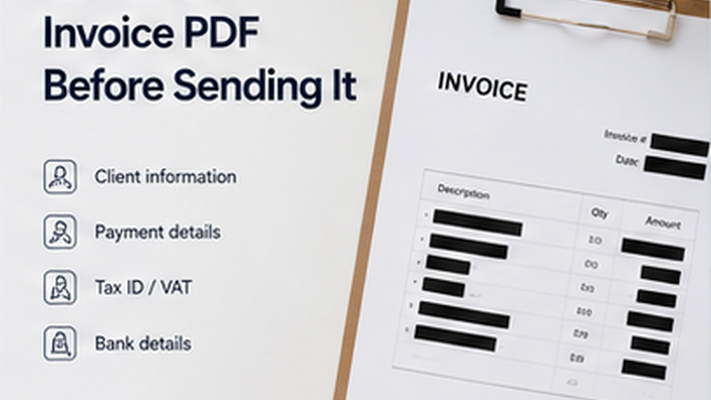
Key takeaways
- Invoices contain sensitive business and client information beyond the basic transaction.
- Bank account details and tax IDs are high-priority items to review.
- Internal notes on invoices can reveal pricing strategy or special arrangements.
- Metadata cleanup is important for client-facing invoice PDFs.
Invoice Fields to Review Before Sharing
Invoices can contain more sensitive information than just the line items. Review both the visible content and the hidden document properties before sharing an invoice externally.
- Bank account numbers and routing details for wire transfers.
- Tax identification numbers of the vendor or client.
- Home addresses of individual contractors or freelancers.
- Internal notes or payment terms not intended for the recipient.
- PO numbers or internal project codes that reveal business relationships.
- Metadata: preparer name, company, software, file creation date.
PDF Redaction Safety Checklist
Common mistakes to avoid
Redact your PDF now
Upload a PDF, mark sensitive areas, clean metadata, and download a redacted copy. Free for documents up to 10MB.
Frequently Asked Questions
Should I redact an invoice before sending it to an AI tool?
Yes, if the invoice contains bank details, client addresses, tax IDs, or internal notes. Create a redacted copy before uploading to any AI tool.
Related Guides
How to Redact a PDF Safely Before Sharing
Learn how to permanently remove sensitive information from a PDF instead of simply covering it with a black box.
What to Redact from a Contract Before Sharing
Learn which contract details may need redaction before sending a PDF to vendors, clients, or AI tools.